



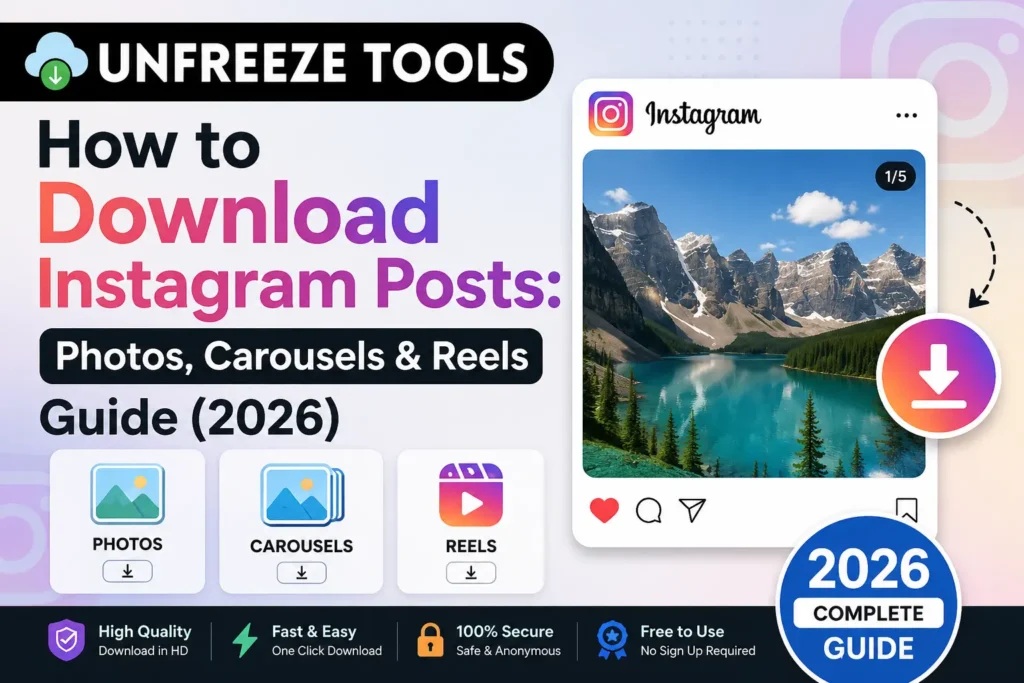
To download Instagram posts in 2026 photos, carousels, or Reels copy the post URL by tapping the three-dot menu on the post and selecting Copy Link. Then paste it into the UnfreezeTools Instagram Post Downloader at unfreezetools.com/instagram-post-downloader-hd/. The tool detects the content type automatically and downloads single photos, all slides in a carousel, or full Reels video in original quality. No Instagram login required. No watermark added. Works on iPhone, Android, and desktop.
Instagram posts come in four formats in 2026: single photos, carousels (multi-image or mixed photo-video posts), Reels (short vertical videos), and video posts (longer videos in the feed). Each requires slightly different handling when downloading, and most generic downloader tools handle only one or two of these formats correctly leaving users to discover mid-download that the tool cannot handle carousels or that it only saves the first slide.
This guide covers how to download every type of Instagram post correctly, in original quality, with no watermark and explains exactly what happens with each format type so there are no surprises.
Downloading Instagram Photo Posts (Single Images)
To download a single Instagram photo post, tap the three dots (···) on the post and select Copy Link. Paste the link into the UnfreezeTools Instagram Post Downloader at unfreezetools.com/instagram-post-downloader-hd/. The tool retrieves the photo in its original uploaded resolution Instagram stores photos at up to 1080px wide. The downloaded file is a JPEG at the original quality level. No watermark is added. Works for photos from public accounts only private account posts require you to be an accepted follower, and no external tool can access them.
Instagram photo downloads are the simplest case a single URL produces a single JPEG file at the best available quality. Instagram compresses photos during upload, capping display quality at 1080px wide, so the downloaded image is the highest quality Instagram stores which is the same image quality you see in the app at full resolution.
Downloading Instagram Carousels (Multi-Slide Posts)
Instagram carousel posts contain 2–20 slides any combination of photos and videos in a single post. To download a carousel, copy the post link and paste it into the Instagram Post Downloader. The tool detects the carousel format and presents all slides for download each slide as a separate file (JPEG for photos, MP4 for video slides). You can download all slides individually or select specific ones. This is the key advantage over screenshotting or screen-recording carousels all slides are accessible in original quality in a single tool session.
Carousels are one of Instagram’s highest-engagement formats in 2026 posts with multiple slides generate significantly more saves and shares than single-image posts. For researchers, marketers, and creators studying high-performing Instagram content, being able to download all carousel slides in original quality is a genuine workflow need.
From experience: A brand strategist I worked with was analyzing the carousel content strategy of 15 top accounts in her client’s niche. She needed original-quality downloads of their carousel posts to examine image dimensions, text placement, and visual hierarchy at full size. Screenshot collecting was slow and lossy. Using the Instagram Post Downloader HD, she downloaded all slides from 40+ carousel posts in a single session a research task that would have taken hours compressed to under 30 minutes.
Downloading Instagram Reels from Posts
Instagram Reels that appear in the feed as posts can be downloaded using the Instagram Post Downloader the same way as photo posts copy the post link, paste into the tool, and download the MP4. The downloaded Reel retains its original 9:16 vertical format at up to 1080×1920 resolution. No watermark is added. If the Reel uses licensed music, the audio may be omitted in some cases due to licensing restrictions this is a platform content rights issue, not a tool limitation. For Reels specifically, the Instagram Video Downloader at unfreezetools.com/instagram-video-downloader/ is also available.
The distinction between using the Post Downloader vs the Video Downloader for Reels is minimal both work for public Reels. The Post Downloader is the better choice when you are working with a mix of post types (some carousels, some Reels, some photos) and want a single tool for all of them. The Video Downloader is purpose-built for video content specifically.
Understanding Instagram Post URL Formats
Instagram post URLs follow a consistent format that helps identify content type. Standard post URLs use the format instagram.com/p/[shortcode]/ this covers photos, carousels, and video posts. Reels have URLs in the format instagram.com/reel/[shortcode]/. Both formats work with the Instagram Post Downloader. If you copy a link from within the Instagram app using the three-dot share menu, the tool receives the correct URL format automatically. Sharing directly from the browser address bar also works for both post and Reel URL formats.
What Cannot Be Downloaded From Instagram Posts
Instagram post content that cannot be downloaded by any external tool includes: posts from private accounts (inaccessible without an accepted follow), posts that have been deleted before the download attempt, Close Friends Stories shared as posts (restricted audience content), and posts on accounts that have blocked you. Additionally, Instagram Stories saved as Highlights can only be downloaded during the 24-hour window they are live as Stories once in a Highlight, access behavior varies by tool. For Highlights from public accounts, the Instagram Story Viewer at unfreezetools.com/instagram-story-downloader/ covers this use case.
For all Instagram tools in one place, explore the full Instagram toolkit on UnfreezeTools including the Story Viewer, Video Downloader, and Profile Viewer. For Instagram’s official content and privacy policies, visit Instagram’s Help Center. For platform statistics, DataReportal’s 2026 social media reports provide comprehensive Instagram usage data.
Frequently Asked Questions
Q: Can I download all slides from an Instagram carousel at once?
A: Yes. The Instagram Post Downloader HD detects carousel posts and presents all slides for download. Each slide downloads as a separate file photos as JPEG, video slides as MP4. You can download each slide individually with a single click per slide.
Q: Do downloaded Instagram photos save at full resolution?
A: Yes the downloader retrieves the highest resolution version Instagram stores, which is the image at up to 1080px wide. Instagram compresses images during upload, so the downloaded image is the full quality of what Instagram has stored identical to what you see at full resolution in the app.
Q: Can I download Instagram posts on iPhone without an app?
A: Yes. The UnfreezeTools Instagram Post Downloader is entirely browser-based. Open Safari on iPhone, paste your Instagram post link, and download. Photos save to the Files app; tap and hold to save to Photos. Videos save to Files and can be moved to the camera roll the same way. No app installation at any step.
Q: What is the difference between the Instagram Video Downloader and the Post Downloader?
A: The Video Downloader is optimized for video content Reels and feed videos. The Post Downloader HD handles all post types photos, carousels (multiple slides), and videos making it the better choice when you need to download mixed-format content. Both tools are free and require no login.
Q: Does downloading Instagram posts notify the creator?
A: No. Instagram does not send any notification to content creators when their public posts are downloaded using a third-party tool. No view, download, or access notification is generated by the download process.
Download Every Type of Instagram Post In Original Quality
Whether you are downloading a single photo for reference, saving all slides from a carousel for design research, or downloading a Reel for offline viewing, the UnfreezeTools Instagram Post Downloader HD handles all Instagram post formats in one place free, no login, no watermark.
Explore the complete Instagram toolkit for story viewing, video downloading, and profile tools. For all other platform downloaders, visit the downloaders toolkit and the full tool library.