



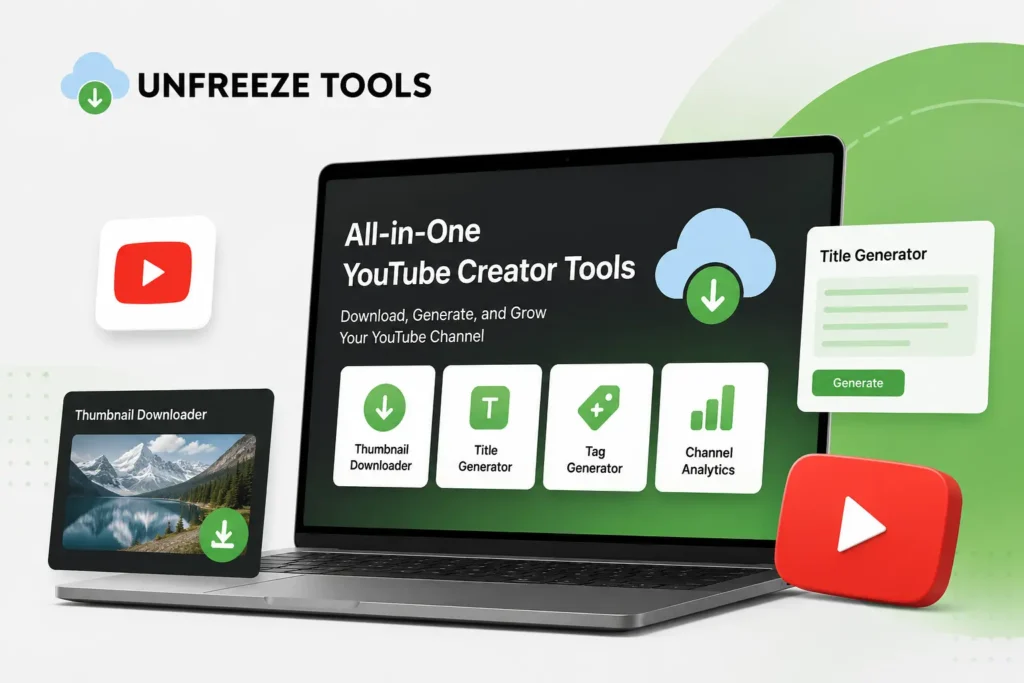
The complete free YouTube creator toolkit in 2026 covers four essential areas: YouTube Thumbnail Downloader (study competitor thumbnails at full HD resolution), YouTube Video Downloader (save reference content for offline study), YouTube title formulas (7 proven structures that increase CTR), and YouTube description template (the 157-character first-line rule, keyword strategy, chapters, and CTAs). All downloader tools are available free at unfreezetools.com with no Google or YouTube login required. Title and description optimization are built-in strategies that require no tool beyond your understanding of the formulas.
YouTube has 2.7 billion logged-in monthly users in 2026 and processes 500 hours of new video content every minute. It remains the highest-traffic destination for long-form video content, educational material, and creator monetization. For YouTube creators, the competitive landscape in 2026 is both more crowded and more meritocratic than ever the algorithm rewards genuine quality signals (completion rate, click-through rate, shares) more directly than in any previous year.
This guide covers the four areas where free tools and proven formulas give YouTube creators measurable advantages: thumbnail research, content study, title optimization, and description SEO.
Tool 1: YouTube Thumbnail Downloader CTR Research at Scale
The UnfreezeTools YouTube Thumbnail Downloader at unfreezetools.com/youtube-thumbnail-downloader/ retrieves thumbnails from any public YouTube video at maxresdefault (1280×720 HD) quality the highest resolution YouTube stores. Creators use this to: study the visual patterns of high-CTR thumbnails in their niche at full resolution (color palette, face expression, text placement, number of visual elements), build a reference library of competitor and top-performer thumbnails organized by view count, and extract their own thumbnails for use in promotional materials. The tool takes the video URL, detects all available thumbnail sizes, and offers download in the highest available quality.
Thumbnail analysis at full resolution reveals details invisible at the small size YouTube displays in search results. The best thumbnails follow a consistent visual formula within each niche usually discovered only by viewing many of them side-by-side at full size. Use the YouTube Thumbnail Downloader to build a research library of the 20–30 highest-performing thumbnails in your specific niche. The patterns will become obvious after the first session.
From experience: A YouTube personal finance creator I worked with had a CTR of 2.3% well below the 4–6% range his view count suggested he should be achieving. After downloading and analyzing thumbnails from the top 30 videos in his niche at full resolution using the YouTube Thumbnail Downloader, we identified the pattern: every top-performing finance thumbnail used a specific color combination (dark blue or green background, white or yellow bold text, creator face showing surprise or serious expression). His thumbnails were pale and text-light. After redesigning to match the niche formula, his CTR improved to 4.8% within 45 days on new uploads.
Tool 2: YouTube Video Downloader Content Structure Research
The UnfreezeTools YouTube Video Downloader at unfreezetools.com/youtube-video-downloader/ saves YouTube videos in HD (up to 1080p) without requiring a Google or YouTube login. Creators use downloaded videos for: offline study of high-performing video structure (hook duration, pacing, transition frequency, B-roll ratio), transcription reference for understanding successful scripts, and storage of reference content for production planning. Download at 720p for most research purposes at 1080p only when visual quality details matter. Works for standard YouTube videos, Shorts, and replays. Does not work for members-only or age-restricted content requiring authentication.
The YouTube Title Formula System
The 7 highest-performing YouTube title formulas in 2026 are: (1) Specific Number “7 Ways to…” (signals structured content); (2) Curiosity Gap “Why Most [People] Fail at…” (creates knowledge gap); (3) Transformation Promise “From X to Y in Z Time” (clear value proposition); (4) Warning Pattern “Stop Doing This” (loss aversion trigger); (5) Year-Plus-Action “How to X in 2026” (freshness signal); (6) Versus Frame “X vs Y: Which Works Better” (resolves comparison); (7) Achievement Story “How I [Result] in [Time]” (proof plus curiosity). Front-load your primary keyword in the first 5 words. Keep total title length 40–65 characters for mobile visibility.
The title formula decision tree for YouTube creators:
- Teaching something with multiple steps? → Specific Number Formula (“7 Steps to…”)
- Correcting a common mistake? → Warning Pattern (“Stop Doing This to Your…”)
- Comparing two options your audience debates? → Versus Frame (“X vs Y…”)
- Sharing personal results as proof? → Achievement Story (“How I…”)
- Creating evergreen how-to content? → Year-Plus-Action (“How to X in 2026”)
- Revealing something surprising? → Curiosity Gap (“Why Most…”)
The YouTube Description Template
An effective YouTube description follows a 4-section template. Section 1 (first 157 characters visible before “Show More”): primary keyword in sentence one, core value of the video, reason to watch. This is your meta description equivalent what appears in search results and suggested feed previews. Section 2 (full description, 150–300 words): comprehensive content summary using primary keyword 2–3 times and 2–4 secondary keywords naturally. Section 3 (timestamps/chapters): MM:SS – Chapter Title format starting at 00:00, minimum 3 chapters enables YouTube’s chapter feature and Google “key moments” rich results. Section 4 (links and CTAs): subscribe link, related videos, tools mentioned, social profiles.
The 157-character first-line rule is the most commonly ignored description optimization in 2026. YouTube shows approximately 157 characters of your description in search results before truncating. Most creators waste this with “Hey guys, welcome back to my channel!” which provides zero search context and zero reason to click. Rewriting your first sentence to include the primary keyword and video value increases search impressions for relevant queries measurably.
YouTube Thumbnail Design Principles for High CTR
The five thumbnail design principles that consistently drive high CTR on YouTube in 2026 are: (1) High contrast between primary subject and background the subject must “pop” at small display sizes. (2) Large, legible text using 3–5 words maximum readable at 100px wide (how it appears on mobile). (3) Single focal point one face, one object, one clear subject. (4) Emotional expression surprise, excitement, confusion, or determination outperform neutral faces by significant CTR margins. (5) Color consistency with your channel brand your thumbnails should be recognizable as belonging to your channel when viewed in a row. Study your niche’s top thumbnails using the YouTube Thumbnail Downloader to identify which specific formula your audience responds to.
Access the YouTube Thumbnail Downloader and YouTube Video Downloader directly. For YouTube’s official creator guidance on thumbnails and descriptions, visit YouTube’s Creator Academy. For YouTube platform statistics including the 2.7B monthly user figure and 500 hours per minute upload rate, Statista’s 2026 YouTube reports are the authoritative source. Explore the full UnfreezeTools library for all available tools.
Frequently Asked Questions
Q: Which YouTube thumbnail size should I download for research?
A: Always download maxresdefault (1280×720) using the YouTube Thumbnail Downloader this is the highest resolution YouTube stores and provides the most detail for research. If maxresdefault is unavailable for an older video, hqdefault (480×360) is the next best option. The tool automatically displays all available sizes for each video.
Q: Do I need a YouTube account to download thumbnails or videos?
A: No both the YouTube Thumbnail Downloader and YouTube Video Downloader on UnfreezeTools require no Google account, YouTube login, or personal information. They access publicly available content directly. No authentication is required for public YouTube content.
Q: How do I find my YouTube channel’s ideal thumbnail formula?
A: Download 20–30 thumbnails from the highest-view videos in your specific niche using the Thumbnail Downloader. Open them all in a grid view on your computer. Look for: color palette patterns, face expression patterns, text placement patterns, number of visual elements, and contrast level. The formula that appears in 60%+ of top-performing thumbnails is your niche’s proven formula start there and iterate.
Q: How long should my YouTube video descriptions be?
A: 300–500 words is the optimal range for most videos. Short descriptions (under 100 words) miss keyword signal opportunities for YouTube’s indexing system. Very long descriptions (over 1,000 words) provide diminishing returns and risk looking like keyword stuffing. The chapter timestamp section (which can add significant length for longer videos) is valuable to include regardless of total description length.
Q: What is the single most impactful YouTube creator optimization?
A: The title and thumbnail working together to earn the click. Every other optimization (description SEO, chapters, tags) matters significantly less than whether your video earns the click when it appears in search or suggestions. Front-load your keyword in your title using one of the 7 formulas, design your thumbnail using your niche’s proven visual formula, and test CTR variations using YouTube Studio’s A/B testing feature for established channels.
Optimize Every Element Starting With Your Next Upload
YouTube success in 2026 requires getting multiple elements right simultaneously: the thumbnail that earns the click, the title that ranks and compels, and the description that tells YouTube what your content is about. The tools and formulas in this guide address all three areas with free, immediately applicable resources.
Use the YouTube Thumbnail Downloader for visual research, the YouTube Video Downloader for content study, and apply the title and description templates to every upload. Explore the full UnfreezeTools library for all available tools and the UnfreezeTools blog for more creator guides.