



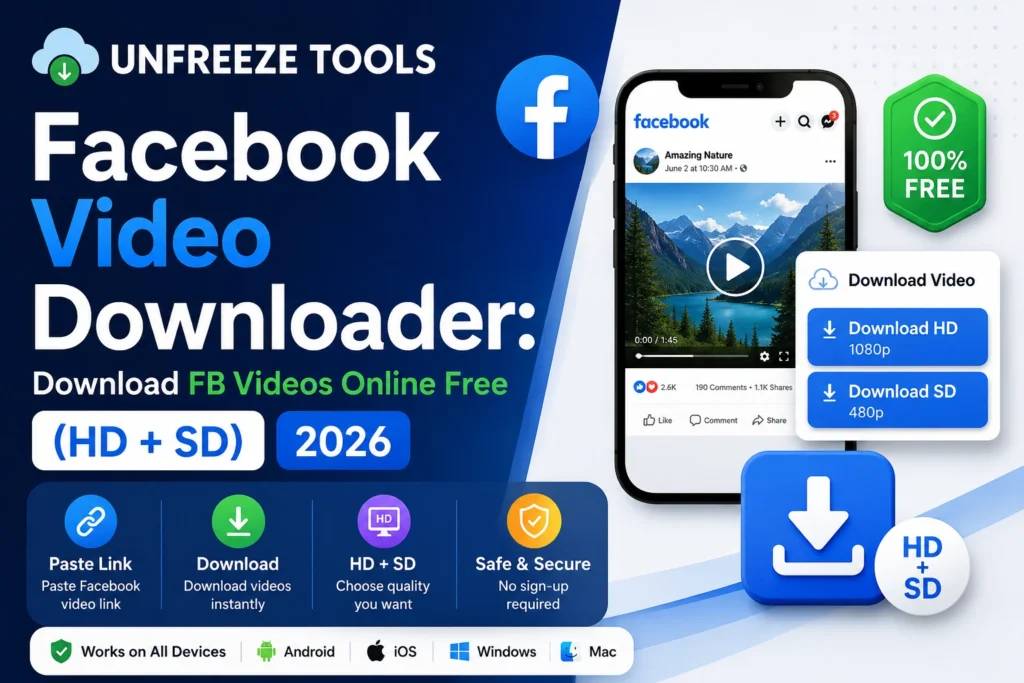
To download a Facebook video online for free, copy the video URL from Facebook, click Share on any public video, and select Copy Link, then paste it into the UnfreezeTools Facebook Video Downloader at unfreezetools.com/facebook-video-downloader-online/. Choose HD or SD quality and click Download. The video saves to your device instantly with no watermark and no Facebook login required. Works for public Facebook videos, Facebook Reels, and Facebook Watch content.
Facebook has over 3 billion monthly active users in 2026, making it the largest social network in the world by active user count. Despite its scale, Facebook still provides no native download button for videos posted by other users or pages an intentional design decision driven by the same copyright and content-ownership logic as Instagram. Yet millions of users want to save Facebook videos every day for legitimate reasons: offline viewing, content research, archiving charity fundraiser videos, saving DIY tutorials, or keeping recipes from cooking pages.
In 2026, the landscape of Facebook video downloading has changed significantly. Meta has increased its content protection measures, and many older browser extension methods have stopped working. Browser-based web tools remain the most reliable option, and understanding which video types are downloadable (public) versus inaccessible (private, friends-only) prevents wasted effort on content that simply cannot be retrieved externally.
What Types of Facebook Videos Can Be Downloaded
In 2026, you can download Facebook videos that are set to public visibility on public pages, public groups, public profiles, and Facebook Watch. You cannot download videos set to Friends Only, Only Me, or custom restricted audiences because these require an authenticated Facebook session to access, and no third-party tool can retrieve them from outside that session. Facebook Reels posted publicly are downloadable. Live video replays are downloadable once they are saved as public posts. Story videos from public profiles are downloadable in the same 24-hour window they are live.
The visibility setting of the video is the single most important factor. On Facebook, every video has a privacy setting controlled by the poster. Public videos, the majority of content from pages, public figures, brands, and creators, are accessible to anyone on the internet without a Facebook account. This is exactly the content that browser-based downloaders can retrieve.
Friends-only videos require Facebook authentication to view, which means no external tool can access them. If you cannot view a video without logging into Facebook, no downloader can get it either. This is a fundamental technical constraint, not a tool limitation.
How to Download Facebook Videos Online Step by Step
To download a Facebook video online: find the public video on Facebook, click the Share button, and select Copy Link from the options. On mobile, tap the three dots (···) on the video post and select Copy Link. Open your browser and go to unfreezetools.com/facebook-video-downloader-online/, paste the link into the input field, and tap Download. The tool presents HD and SD quality options; choose HD for full quality. The video downloads directly to your device. The process takes under 30 seconds for most videos.
Step-by-step for desktop:
- Find the public Facebook video you want to download
- Click the Share button below the video
- Click Copy Link from the share menu; the URL copies to your clipboard
- Go to the UnfreezeTools Facebook Video Downloader
- Paste the link into the input field
- Click Download; the tool processes the video and shows quality options
- Choose HD or SD and click the download button for your preferred quality
On mobile: tap the three dots (···) on the video post, tap Copy Link, open your browser, go to the tool, paste and download. The process is identical same speed, same quality, works on iPhone and Android.
From experience: A non-profit communications manager I consulted regularly needed to archive Facebook Live event replays from their public Page for their records. Downloading each replay directly from Facebook was not possible after the live ended the replay was available as a post, but Facebook provided no download option. Using the UnfreezeTools Facebook Video Downloader, they archived 18 months of event replays in a single afternoon. What had been an ongoing frustration was resolved in one workflow session.
HD vs SD: Which Quality Should You Download
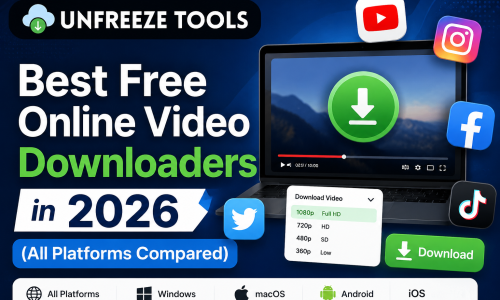
Facebook video downloads are available in HD (typically 720p or 1080p depending on the original upload quality) and SD (typically 360p or 480p). Choose HD for any video you plan to watch on a screen larger than a phone, edit in video software, use for reference or research, or archive for long-term storage. Choose SD only if storage space is extremely limited or if you only need to watch once on mobile. HD files are 3–5x larger than SD but deliver significantly sharper quality. Most users should default to HD.
| Quality | Resolution | File size (1 min) | Best for |
|---|---|---|---|
| HD | 720p–1080p | 40–80 MB | Archiving, editing, large screens, reference |
| SD | 360p–480p | 8–20 MB | Quick offline viewing, limited storage |
Downloading Facebook Reels
Facebook Reels, short vertical videos in Facebook’s Reels tab, are downloadable using the same process as standard Facebook videos. Open the Reel, tap Share, copy the link, paste it into the Facebook Video Downloader, and download. Facebook Reels are typically in 9:16 vertical format at 1080×1920 resolution. Most public Facebook Reels are downloadable without issues. Note that many creators cross-post Reels from Instagram or TikTok. Downloaded Facebook Reels that were originally from TikTok may contain TikTok watermarks embedded in the original video file.
Is It Legal to Download Facebook Videos
Downloading public Facebook videos for personal, offline, non-commercial use is broadly accepted. Facebook’s Terms of Service prohibit scraping or automated collection of content, but manual download of publicly available videos for personal viewing, research, or offline access falls within widely accepted fair use. What is not permitted is redistributing downloaded videos as your own content, using them in commercial projects without permission, or claiming credit for content created by others. Always respect the original creator’s work. Download it for your own use, not for republishing.
For all social media video downloading tools in one place, explore the complete downloaders toolkit on UnfreezeTools. For downloading videos from other platforms, the Instagram Video Downloader and YouTube Video Downloader follow the same simple workflow. For Facebook’s own guidance on content and privacy settings, DataReportal’s 2026 social media statistics provide context on Facebook’s current user base and content landscape.
Frequently Asked Questions
Q: Can I download Facebook videos without logging in to Facebook?
A: Yes, for public videos only. The UnfreezeTools Facebook Video Downloader requires no Facebook account or login. It accesses the public video data directly. For videos set to Friends Only or private, a Facebook login is required to view them, and no external tool can download what it cannot access.
Q: Why does my Facebook video download have no audio?
A: Some Facebook videos use licensed music that Meta has streaming rights for but not download rights. When this applies, the audio track may be omitted in the downloaded file. Videos with original audio creator voiceovers, original music, recorded sound download with full audio intact. This is a content rights issue, not a tool problem.
Q: Can I download Facebook Live videos after the live ends?
A: Yes, if the creator saves the replay as a public post after the live ends, it becomes a standard public video post that the Facebook Video Downloader can retrieve. If the creator does not save or share the replay or sets it to private, it cannot be downloaded externally.
Q: Does the tool work for Facebook Watch videos?
A: Yes. Facebook Watch videos that are set to public are downloadable using the same link-copy-paste process. Find the Watch video, copy its URL from the browser address bar or the share menu, paste into the downloader, and select your quality.
Q: Is there a size or length limit on videos I can download?
A: The UnfreezeTools Facebook Video Downloader handles the vast majority of public Facebook video lengths without issues. Very long videos (60+ minutes) may take slightly longer to process. The tool is browser-based; no file size limits are imposed by storage constraints on the tool’s side.
Download Facebook Videos in Seconds: No Login, No Software
Facebook videos disappear, get deleted, or become inaccessible. Saving the ones that matter to you is a practical necessity, not just a convenience. For any public Facebook video, Reel, or Watch content, the UnfreezeTools Facebook Video Downloader is free, instant, and requires nothing but a browser.
Explore the complete tool library for all available downloading and social media tools, including the Instagram Video Downloader, YouTube Video Downloader, and more. All free. All no login. All instant.