



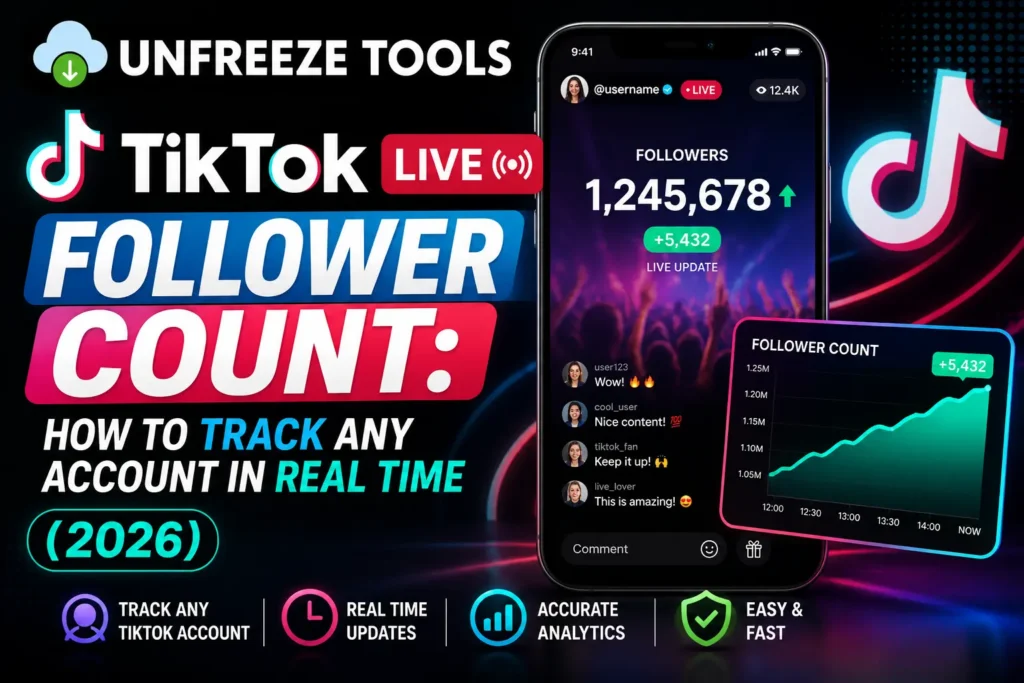
To track a TikTok account’s live follower count in real time, use the UnfreezeTools TikTok Followers Count tracker at unfreezetools.com/tiktok-followers-count/ Enter any public TikTok username, and the tool displays the current follower count updated in real time. TikTok’s own app updates follower counts with a slight delay and only shows your own count. Third-party live counters pull from TikTok’s API to display near-real-time follower data for any public account, no login required.
TikTok is one of the fastest-moving social platforms on earth, with over 1.9 billion monthly active users globally in 2026; follower counts can shift by thousands in hours when a video goes viral. For creators tracking their own growth milestones, brands monitoring competitors, and marketers validating influencer audiences before a campaign, knowing the current follower count of any TikTok account is a practical daily need.
The problem: TikTok’s own interface shows your follower count in your profile, but it updates with a delay, sometimes hours behind the real number. For other accounts, TikTok shows their displayed count on their profile page, but there’s no built-in way to track changes over time or monitor growth velocity. This guide covers real-time follower tracking, why counts fluctuate, what follower milestones actually unlock, and how to use growth data to inform your own TikTok strategy.
What Is a TikTok Live Follower Count?
A TikTok live follower count is the current number of people following a specific TikTok account, updated as close to real time as TikTok’s API allows. TikTok’s native app displays follower counts with a delay, sometimes 30 minutes to several hours behind the actual number. Third-party live follower counters connect to TikTok’s public API and pull current data, updating more frequently than the in-app display. Live counters are especially valuable during or immediately after a video goes viral, when follower counts can change by thousands per hour.
The distinction between TikTok’s displayed count and a live count matters most during rapid growth events. When a video hits the For You Page and starts accumulating millions of views, followers pour in at a rate that TikTok’s interface cannot display in real time. A live counter connected to the API shows the current number more accurately, which is why creators and their teams watch live counters during viral moments to track the actual growth as it happens.
Why Your TikTok Follower Count Fluctuates
TikTok follower counts fluctuate for several legitimate reasons: bot detection and removal sweeps (TikTok periodically purges fake accounts, which removes those follows), users unfollowing after following (common during viral moments when casual viewers follow then unfollow), account deactivations and deletions (the follower count drops when any account that follows you is permanently deleted), and TikTok’s own delayed sync with its servers (the displayed number catches up to the real number over hours). A sudden drop of 1–5% is usually a bot purge. A drop larger than that may indicate a shadowban or content policy issue.
TikTok runs automated bot detection sweeps regularly, these identify and remove fake or inactive accounts, which causes visible follower count drops across the platform simultaneously. When one of these sweeps happens, thousands of accounts see their count dip by anywhere from 1% to 10% in a short window. This is normal, expected, and does not indicate any problem with your account.
From experience: A TikTok creator I mentored panicked when his follower count dropped by 3,200 in a single day after growing by 15,000 the week before. He thought he had been shadowbanned. After checking his account’s reach and video views, both still strong, and cross-referencing with other large accounts in his niche (all showing similar simultaneous drops), it was clearly a bot purge sweep. Real followers were not lost. The TikTok Followers Count tracker helped confirm the pattern by showing counts across multiple accounts at the same time.
How to Track Any Account’s Followers in Real Time
To track any TikTok account’s live follower count, go to unfreezetools.com/tiktok-followers-count/ and enter the TikTok username you want to monitor. The tool displays the current follower count updated from TikTok’s public API. No login required, no TikTok account needed, works on all devices. You can track your own account’s live growth, monitor competitor accounts, verify an influencer’s follower count before a brand collaboration, or watch a creator’s count during a live or viral event.
The TikTok Followers Count tracker on UnfreezeTools is the fastest way to check real-time follower data for any public TikTok account. It is useful for:
- Your own account, see your exact current count during a viral event when the app’s displayed number is delayed
- Competitor accounts, track growth velocity of other creators in your niche to benchmark your own performance
- Influencer verification, check a creator’s actual follower count before a brand partnership, rather than relying on their stated or screenshot numbers
- Content research, identify accounts that are growing rapidly right now, indicating their content strategy is working
TikTok Follower Milestones and What They Unlock
TikTok unlocks specific features at follower milestones. At 1,000 followers: ability to go TikTok LIVE and send and receive gifts during live streams. At 10,000 followers: access to TikTok Creator Marketplace (brand collaboration platform). At 10,000 followers with 100,000 video views in 30 days: eligibility for TikTok Creator Rewards Program (monetization). At 50,000 followers: increased credibility threshold for brand deals. At 100,000 followers: gold checkmark eligibility for accounts in eligible categories. Each milestone represents a real platform capability expansion, not just a vanity number.
For creators building toward monetization, the 1,000 follower milestone for TikTok LIVE access is the first meaningful gate. Going live is one of TikTok’s highest-engagement features, live viewers comment, send gifts, and convert to followers at significantly higher rates than video viewers. The 10,000 follower threshold for Creator Marketplace opens access to brand collaboration opportunities with a transparent payment structure.
How to Grow from 1K to 10K Followers Faster
The fastest path from 1K to 10K TikTok followers in 2026 is: post at least once daily (TikTok’s algorithm rewards consistent posting velocity), publish in the first 1–2 hours after your target audience’s peak activity time (use TikTok analytics to find when your followers are online), reply to every comment on your first 10 videos (comment engagement signals drive algorithmic distribution), use 3–5 niche-specific hashtags not just broad ones, and stitch or duet trending videos in your niche to piggyback their existing traffic. Consistency outperforms viral hoping every time at this stage.
Best Time to Go Live Based on Follower Data
TikTok analytics (available in Creator Tools for accounts with 100+ followers) shows when your specific followers are most active by day and hour. For most US audiences, peak TikTok activity is Tuesday through Thursday evenings between 7–10 PM local time. For broader global audiences, midday US Eastern time overlaps with European evenings. Going live during your follower activity peak typically results in 3–5x higher concurrent viewership than off-peak live sessions. Combine timing with the TikTok Followers Count tracker to watch your count rise during live events.
For more TikTok tools, explore the full TikTok toolkit on UnfreezeTools including the TikTok Video Downloader and TikTok Viewer. For authoritative data on TikTok’s platform statistics, DataReportal’s annual social media reports provide the most comprehensive global usage data available.
Frequently Asked Questions
Q: Can I track any TikTok account’s follower count, not just my own?
A: Yes. The TikTok Followers Count tracker works for any public TikTok account. Enter any username, your own account, a competitor, an influencer you’re researching, or any public creator, and the tool displays their current follower count in real time. No TikTok login required.
Q: Why does my TikTok follower count on the app look different from the live counter?
A: TikTok’s in-app display updates with a delay, sometimes 30 minutes to several hours behind the real-time number. A live counter connected to TikTok’s API refreshes more frequently and shows a closer approximation to the actual current count. During rapid growth events like viral videos, this delay can mean thousands of followers difference between what the app shows and the real count.
Q: My TikTok follower count dropped suddenly. What happened?
A: Most sudden drops are caused by TikTok’s automated bot purge sweeps, which remove fake and inactive accounts platform-wide. A drop of 1–5% with no change in your content reach or video views is almost always a bot removal event, not a shadowban. Check if other accounts in your niche showed similar drops at the same time, if yes, it is a platform-wide sweep.
Q: How many followers do I need to go live on TikTok?
A: 1,000 followers is the minimum threshold for TikTok LIVE access in most regions. This milestone also enables the ability to receive TikTok gifts during live streams, which is the first step toward monetization through live content for many creators.
Q: Is there a free tool to track TikTok follower count without logging in?
A: Yes, the UnfreezeTools TikTok Followers Count tracker is completely free and requires no login, no TikTok account, and no app installation. Enter any public username and view the current follower count instantly on any device.
Track, Monitor, and Grow Starting Right Now
Whether you are watching your own count tick up during a viral moment, benchmarking competitors, or vetting an influencer for a campaign, real-time follower data is far more useful than the delayed numbers TikTok’s interface displays.
Use the TikTok Followers Count tracker for free no account, no login, instant results. Explore the full TikTok toolkit and the complete tool library for everything you need across TikTok, Instagram, YouTube, Snapchat, and beyond.