



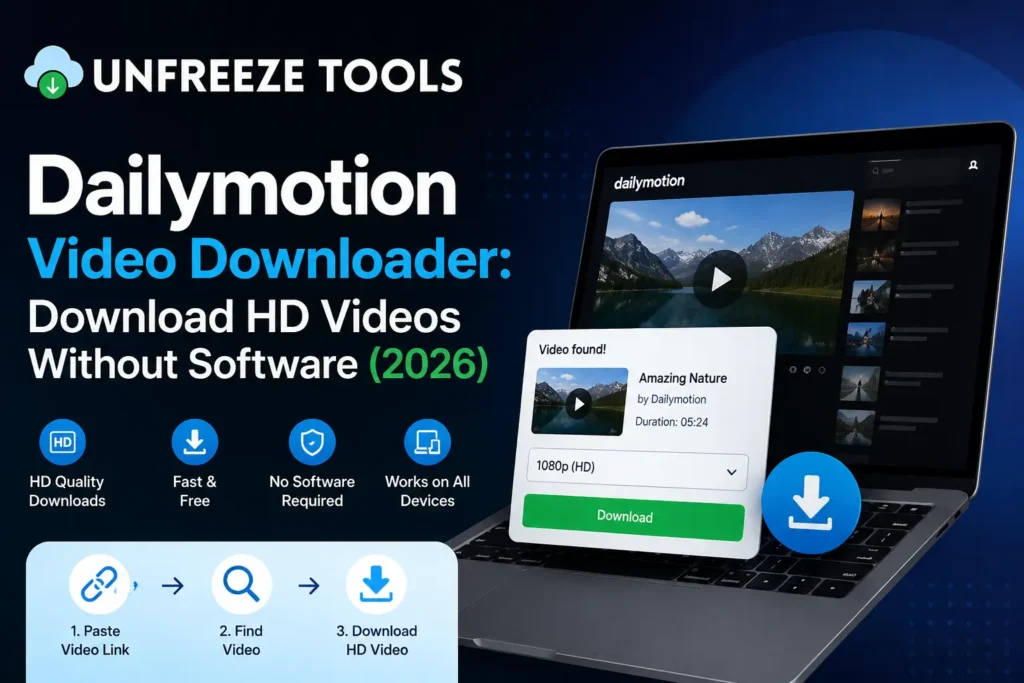
To download a Dailymotion video without software, copy the Dailymotion video URL from your browser address bar, paste it into the UnfreezeTools Dailymotion Video Downloader at unfreezetools.com/dailymotion-video-downloader/, and click Download. The tool retrieves the video in available quality options typically HD 720p, 480p, or 380p depending on the original upload. Select your quality and download directly to your device. No software installation, no Dailymotion account, no watermark. Works in any browser on any device.
Dailymotion is one of the world’s largest video platforms outside of YouTube, hosting hundreds of millions of videos across news, sports, entertainment, music, and creator content. While not as dominant as YouTube in the English-speaking world, Dailymotion has strong audiences in France, the Middle East, North Africa, and Southeast Asia and it hosts a significant volume of content that is simply not available anywhere else.
Like all major video platforms, Dailymotion provides no native download button for most content. Its premium subscription (Dailymotion Gold) includes some offline viewing features, but these are app-locked and do not provide true file downloads to your device. For users who want actual video files for offline viewing, archiving, or research a browser-based downloader is the practical solution.
Why Download Dailymotion Videos Without Software
Downloading Dailymotion videos without software installation is preferable for three reasons. First, browser-based tools work on any device including iOS where sideloading apps is restricted with zero setup. Second, software-based downloaders often bundle adware, require ongoing updates, and may flag as security threats by antivirus software. Third, browser tools are maintained server-side and always reflect current platform changes, while installed software may stop working when Dailymotion updates its video delivery infrastructure. In 2026, browser-based tools are faster, safer, and more reliable than installed software alternatives.
How to Download Dailymotion Videos Step by Step
To download a Dailymotion video: open the video on Dailymotion in your browser, copy the URL from the address bar (format: dailymotion.com/video/XXXXXXX). Go to unfreezetools.com/dailymotion-video-downloader/, paste the URL, and click Download. The tool processes the video and displays available quality options. Select your preferred quality HD 720p for best results and click the download button. The MP4 saves directly to your device. On mobile, copy the URL from the Dailymotion app share menu or browser and follow the same process.
- Open the Dailymotion video in your browser
- Copy the URL from the browser address bar format:
dailymotion.com/video/[ID] - Go to the Dailymotion Video Downloader on UnfreezeTools
- Paste the URL and click Download
- Select quality HD 720p recommended for most uses
- Download file saves to your device as MP4
From experience: A researcher at a media monitoring firm I consulted needed to archive Dailymotion news clips from French and Arabic broadcast channels for a client report content that was not available on YouTube or any other platform. The UnfreezeTools Dailymotion Video Downloader retrieved and saved 40+ clips in a single working session, all in HD where available. The alternative screen recording each clip individually would have taken most of the week.
Supported Quality Options
Dailymotion video quality options available for download depend on the original upload resolution. Most Dailymotion videos offer 720p HD as the highest quality, with 480p and 380p as lower alternatives. Some premium partner content may be available at 1080p. Older or user-uploaded content may only be available at 480p or lower. The downloader tool automatically detects all available quality options for each specific video select the highest available quality for archiving and research, lower quality only if storage is limited.
Downloading Dailymotion Videos on Mobile
Downloading Dailymotion videos on iPhone or Android works through the same browser-based process as desktop. On the Dailymotion app, tap Share on the video and select Copy Link, or open the video in your mobile browser and copy the URL from the address bar. Open your mobile browser, go to the Dailymotion Video Downloader, paste the link, and download. On iPhone, the file saves to the Files app tap and hold to save to Photos. On Android, it saves directly to Downloads and appears in your gallery. No app installation needed on either platform.
For all platform video downloaders in one place, explore the complete downloaders toolkit on UnfreezeTools. For downloading from other major platforms, the YouTube Video Downloader and Facebook Video Downloader use the same workflow. For social media statistics and platform data, Statista’s 2026 video platform reports provide current audience data for Dailymotion and its competitors.
Frequently Asked Questions
Q: Does the Dailymotion downloader work for all Dailymotion videos?
A: The Dailymotion Video Downloader works for publicly accessible Dailymotion videos. Age-restricted content requires a Dailymotion login to view, and private videos set to “private” by the uploader are not accessible externally. For all public Dailymotion content, the tool works reliably.
Q: Can I download Dailymotion videos in MP4 format?
A: Yes. All downloads from the Dailymotion Video Downloader save as MP4 files, which are compatible with all devices, video players, and editing software. MP4 is the universal video container format used by Dailymotion for its video delivery.
Q: Is downloading Dailymotion videos legal?
A: For personal, offline, non-commercial use, downloading publicly available Dailymotion videos is broadly accepted. What is not permitted is redistributing downloaded content commercially or claiming authorship of others’ work. Dailymotion’s Terms of Service prohibit automated scraping, but personal downloads for viewing are a standard use case that browser tools facilitate responsibly.
Q: Why is my Dailymotion video only available in low quality?
A: Available quality depends entirely on the original upload resolution. Dailymotion allows uploads up to 4K, but many creators upload at 480p or lower. The downloader retrieves the highest quality available for each specific video if only 380p is shown, that is the highest quality Dailymotion has stored for that video.
Q: Does UnfreezeTools support other video platforms besides Dailymotion?
A: Yes. The UnfreezeTools complete tool library includes downloaders for TikTok, Instagram, YouTube, Facebook, Pinterest, and X (Twitter) all using the same browser-based, no-login workflow.
Download Dailymotion Videos in HD No Software, No Hassle
Dailymotion hosts content you simply cannot find anywhere else and saving it should not require installing software that may not be maintained or may carry security risks. The UnfreezeTools Dailymotion Video Downloader is browser-based, free, and works on every device without any installation.
Explore the full downloaders toolkit and all available tools for everything you need across the major video and social platforms.